Projects
Both ends of every job
The technician’s day starts on the phone, with the week’s jobs, the next assignment and new work to accept or decline. On site it works without signal, keeps the van’s stock live and moves parts between vans, with live messages to the office and the client’s details a tap away. Every finished job leaves a report on the phone and in the office, the moment it’s signed and paid.
Online bookings and scheduling
A customer books from the marketplace, picks a time, and the job lands in the dispatcher’s queue. Accept it and it moves onto the calendar, where jobs are rescheduled by dragging them to a new slot and stay where you put them. The calendar is the spine of the platform. Quotes, stock and technician assignments all read from it, so a change made here shows up everywhere else without anyone re-entering it.
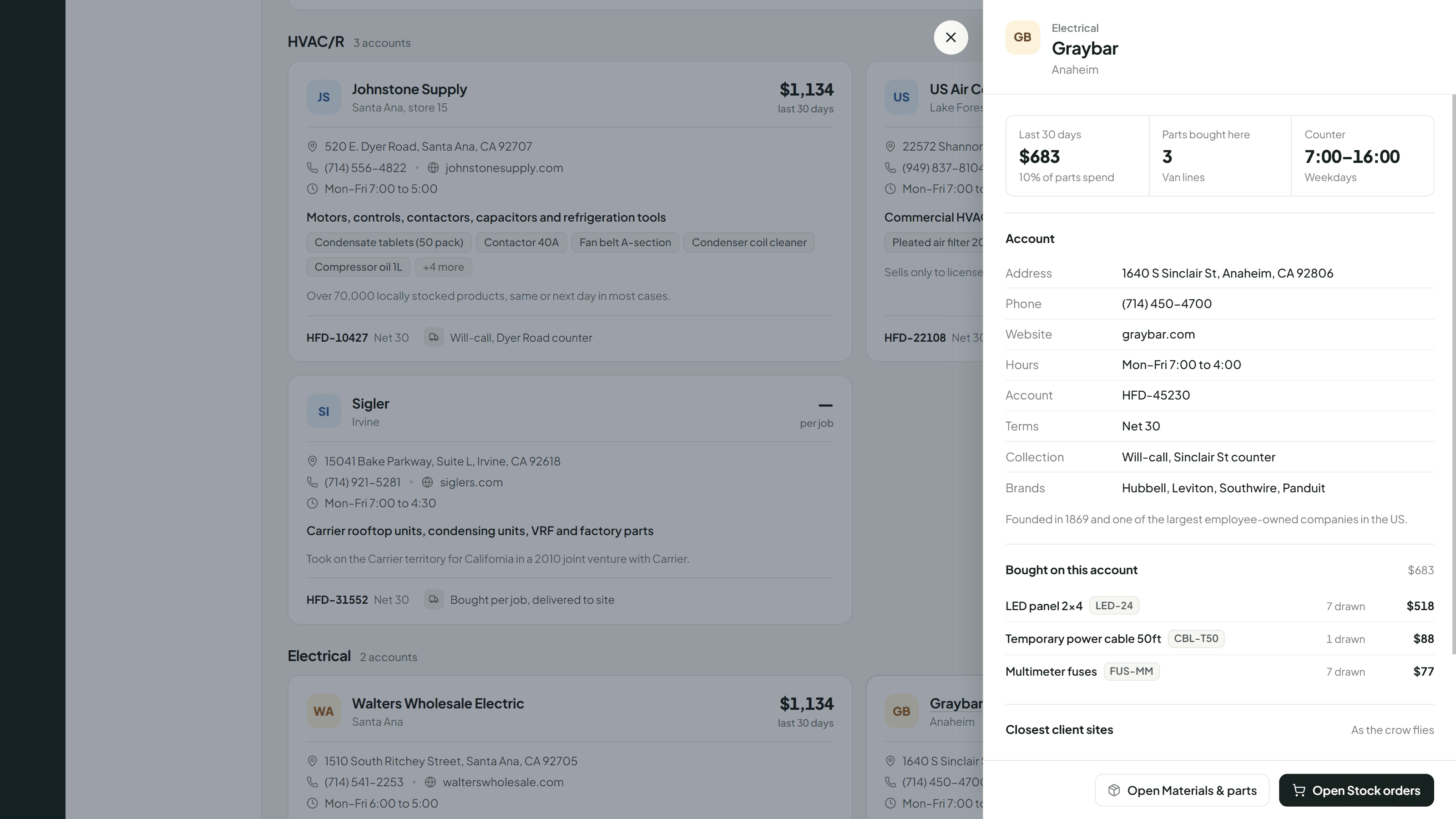
Stock, from the supplier to the van
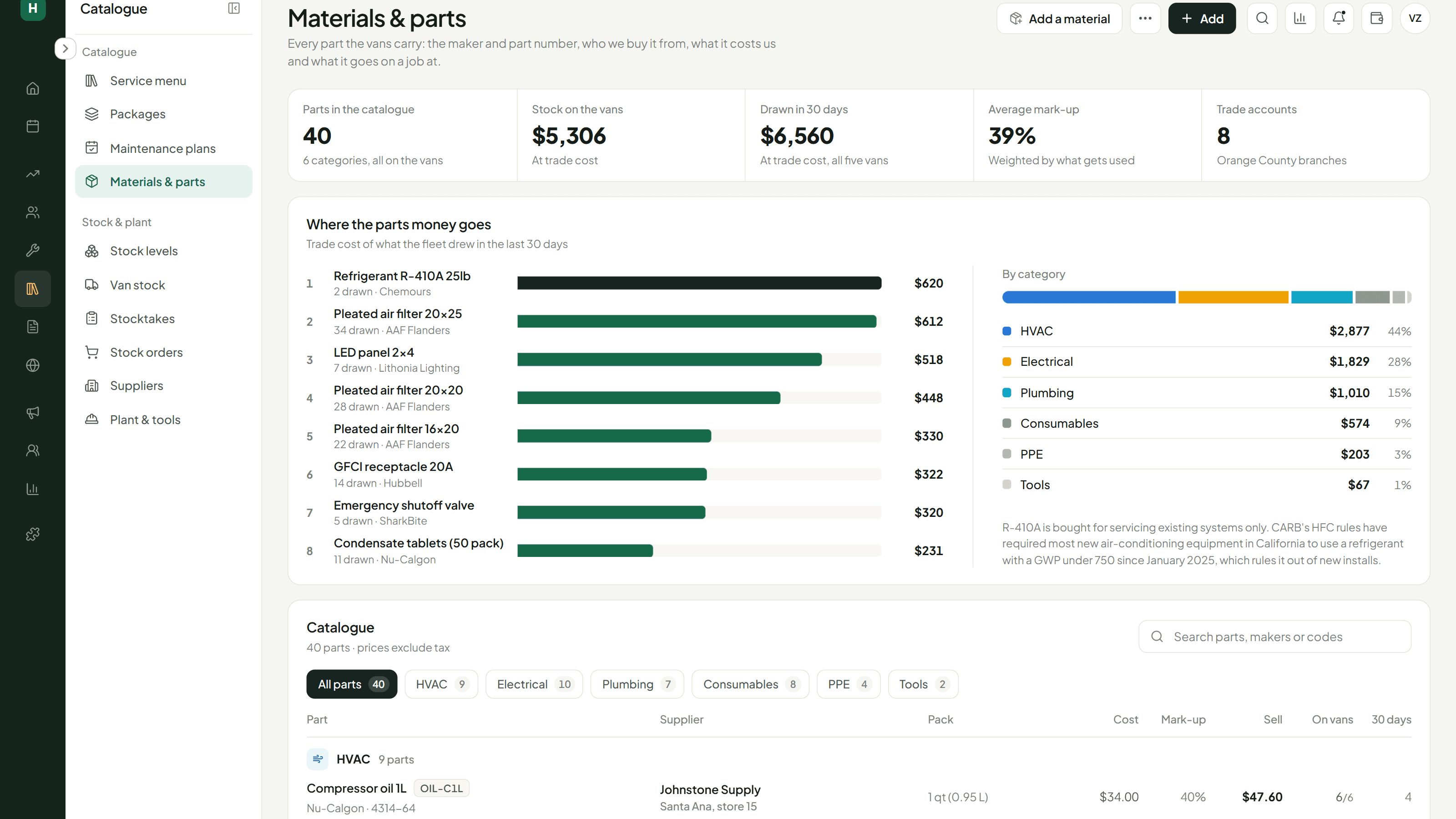
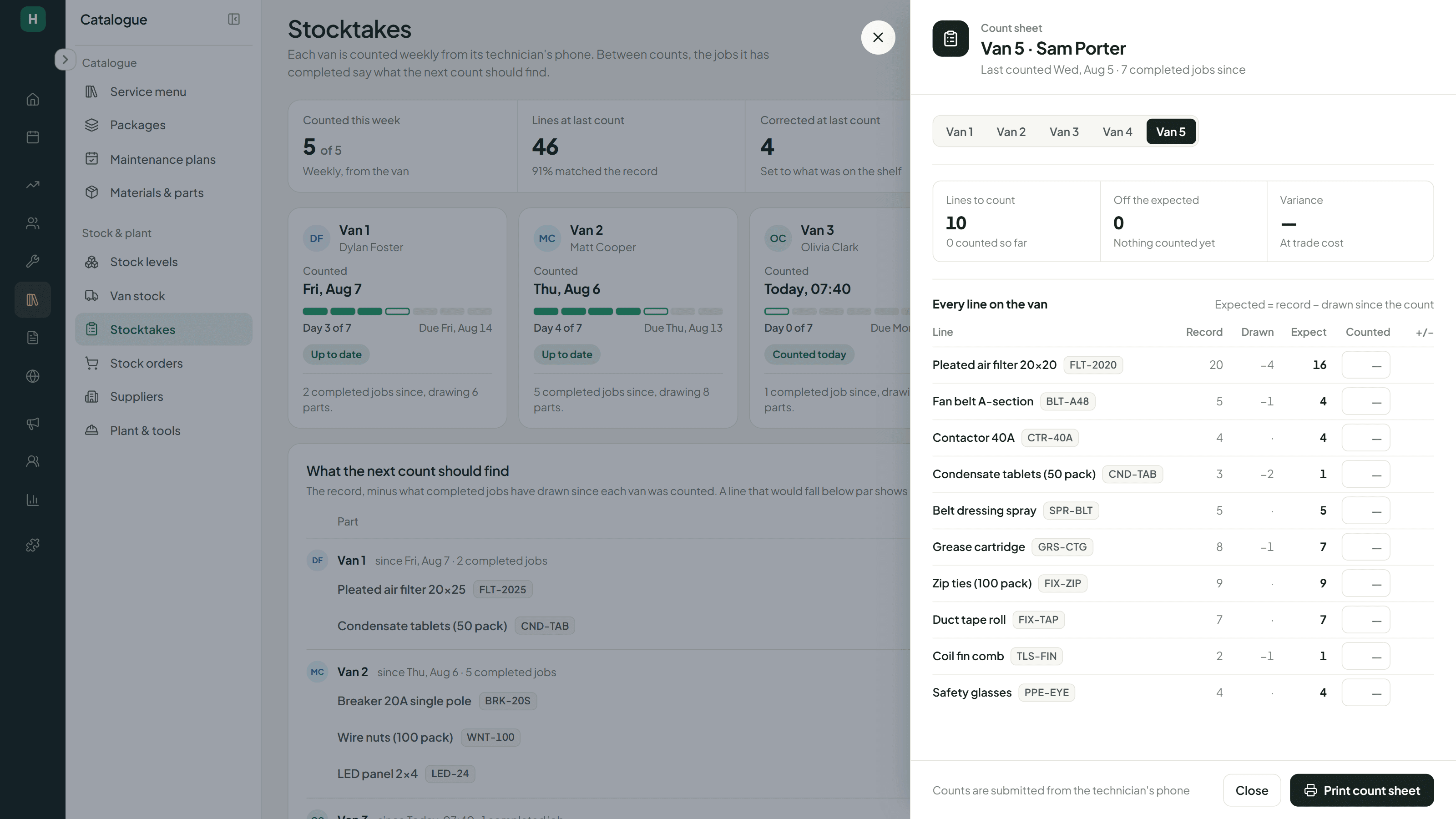
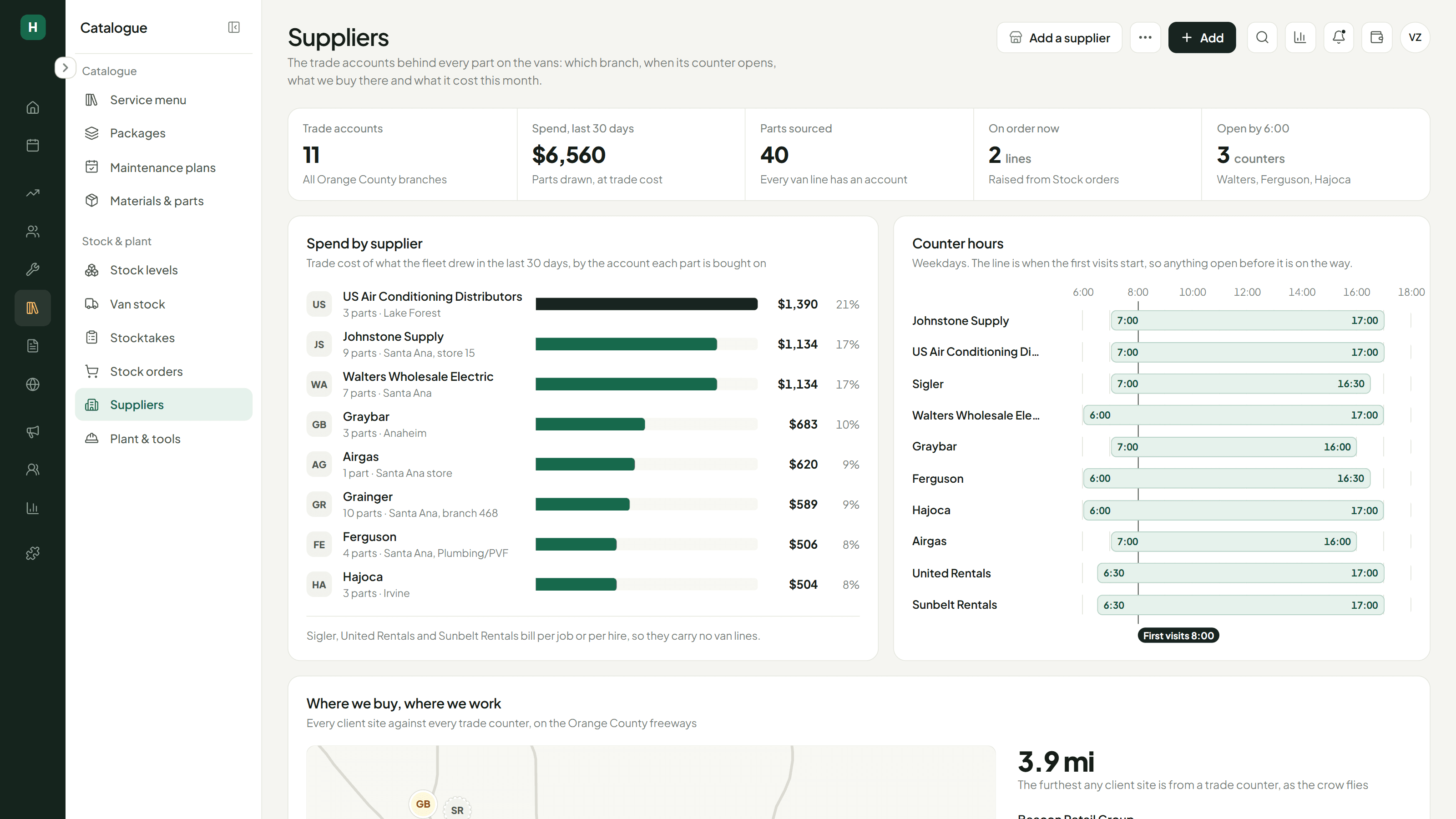
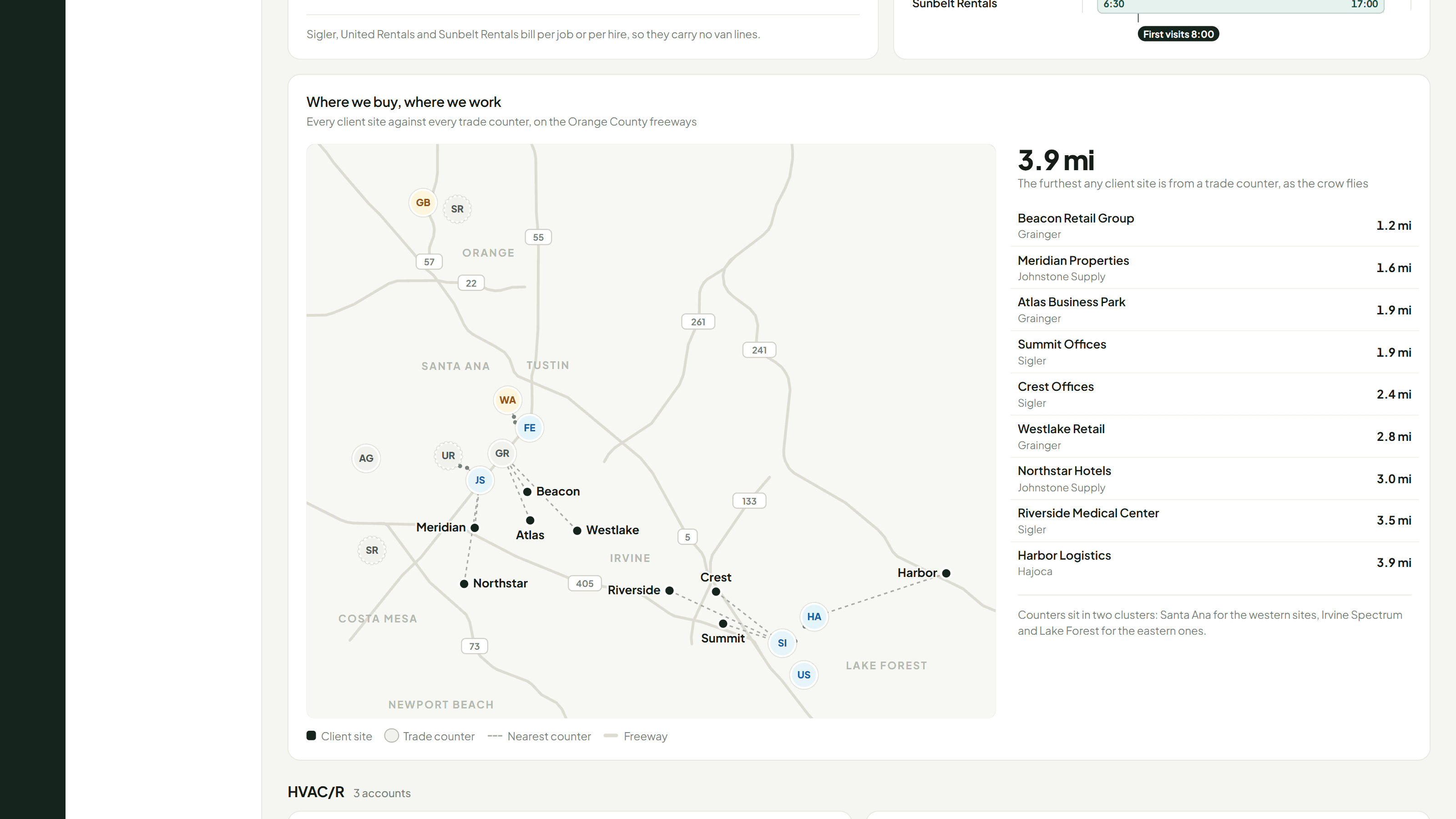
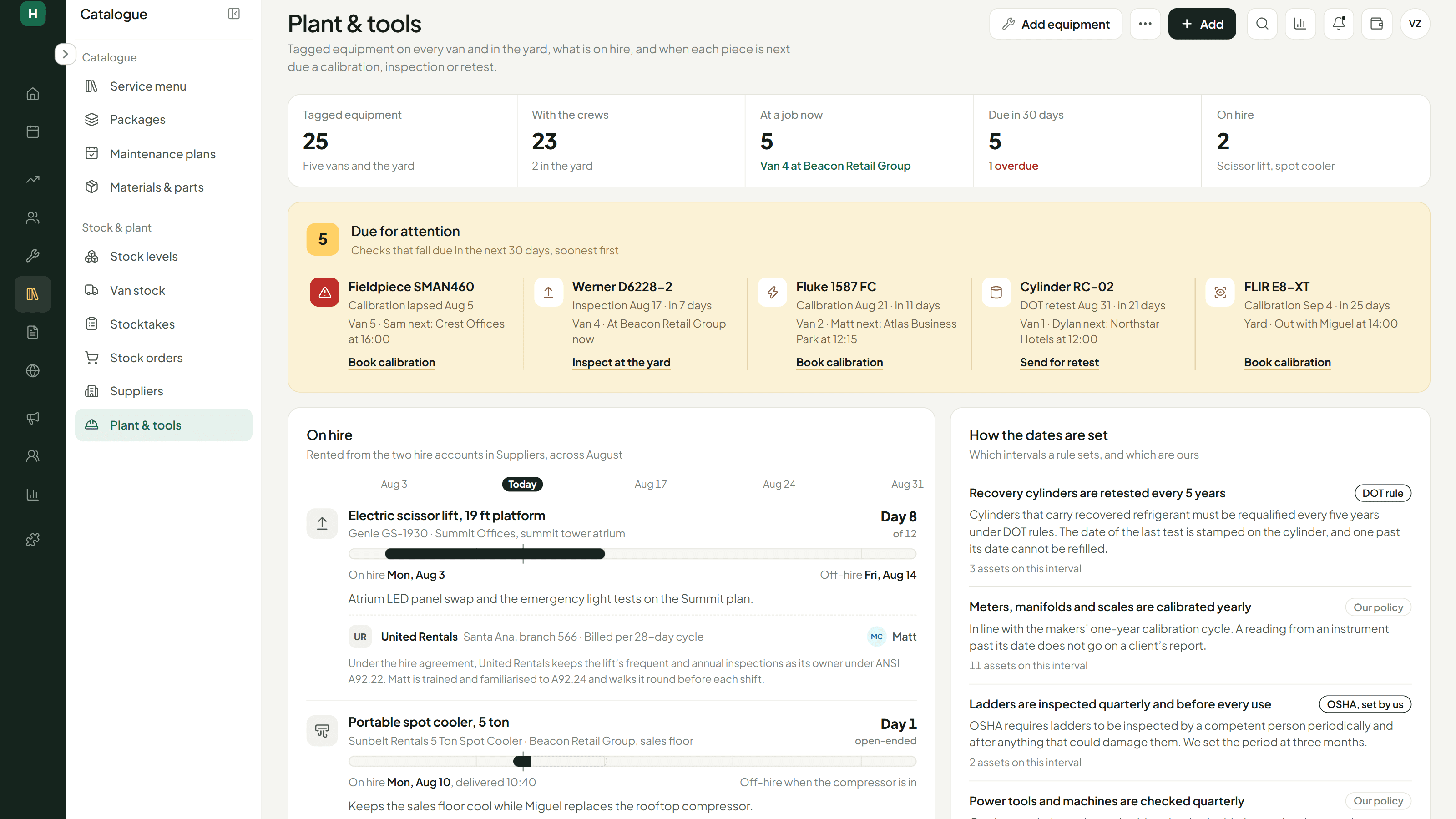
Stock touches more of this platform than anything else. Every job draws parts, so the system knows a van will be short before the technician does. The calendar flags it the day before, and the fix is already worked out: if another van carries spare, it’s a transfer; if not, it’s a purchase order to the supplier account that part is bought on, collected at the counter or delivered to the yard, then checked in against the van. When the technician signs the job off on their phone, what they used comes off the van. Each van is counted weekly from the same phone, against what the system expects the shelves to hold.
Quotes that become jobs
Build a quote from the service catalog and the totals update as lines change. Send a revision and the client sees it. Accept it and the job goes straight onto the calendar with the technician assigned, no re-entry, and stock reserved against it from that moment.
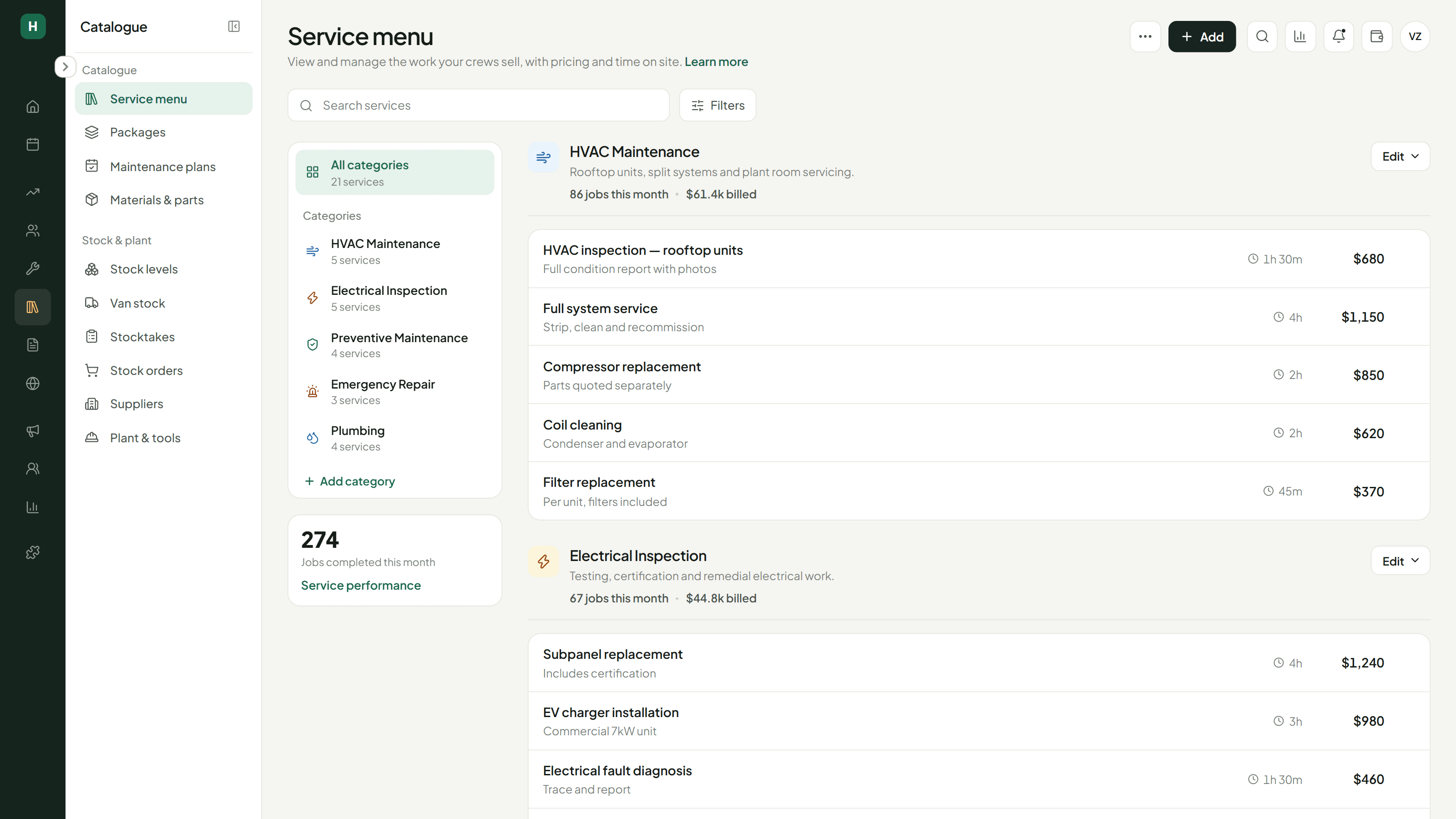
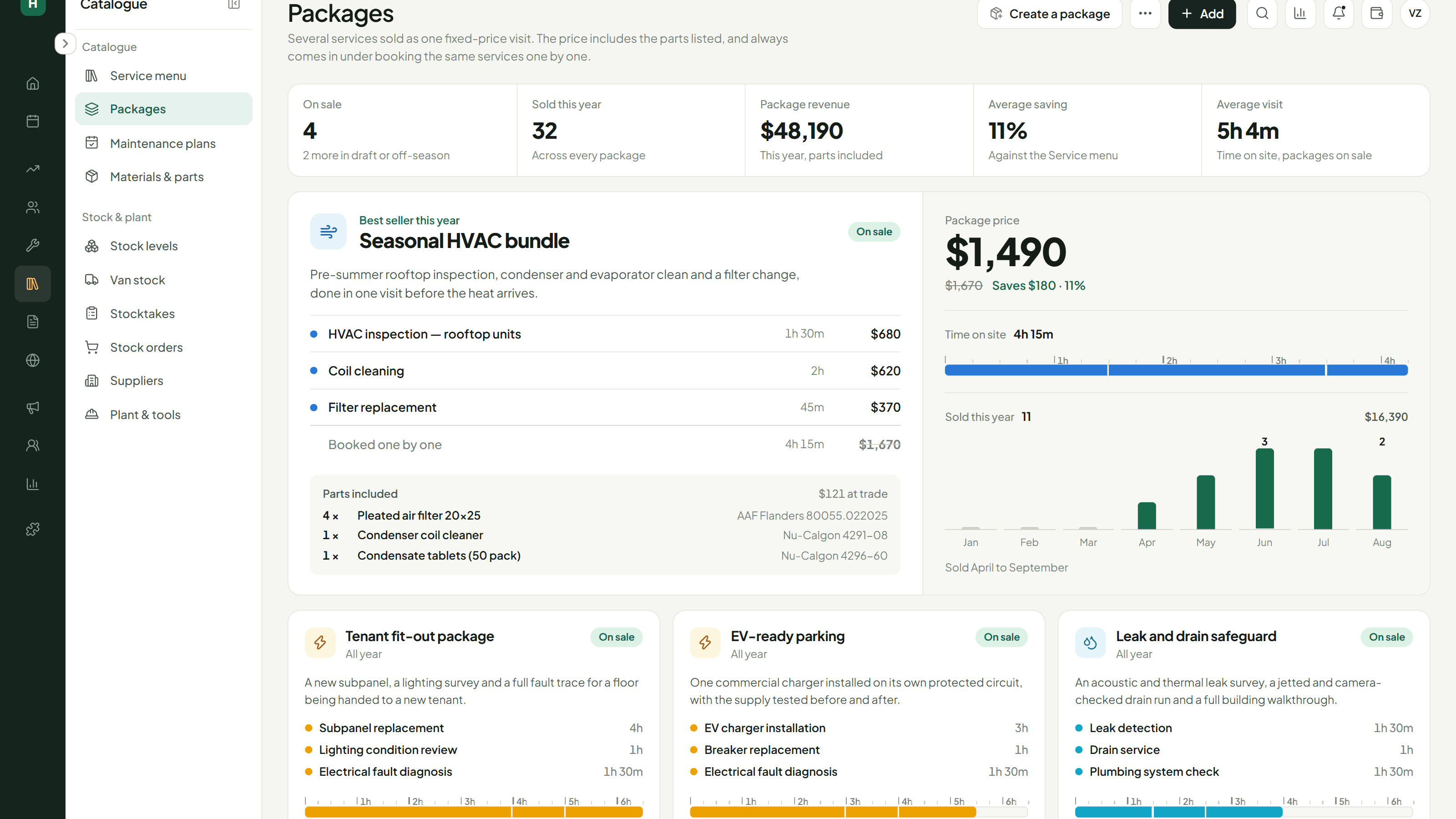
Services, packages and parts
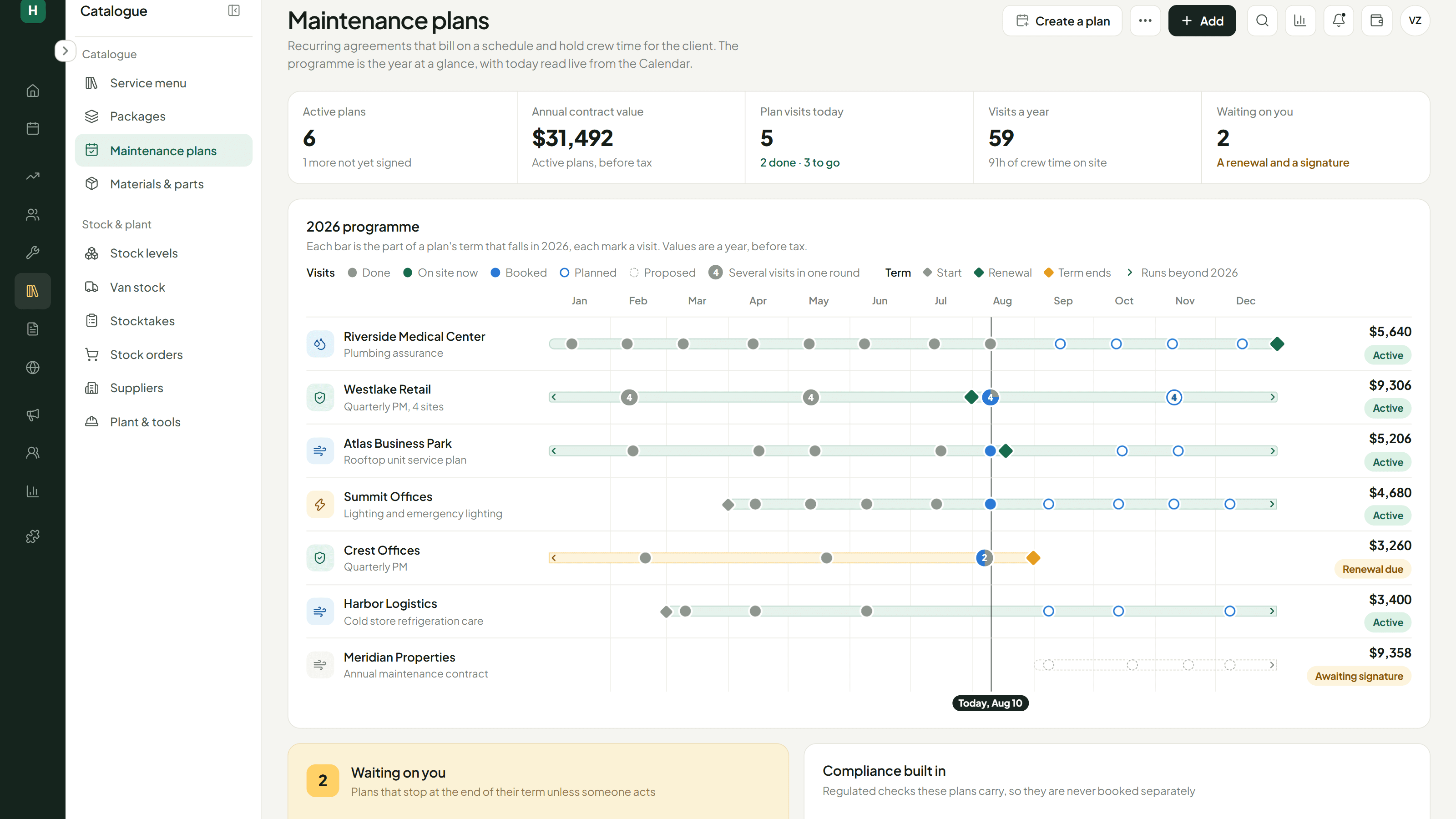
Services, packages, maintenance plans and the materials each one consumes, all defined in one place. That definition is what everything else reads from: a quote prices off it, a booking pulls parts off it, and stock reserves against it.
Marketing and customer messaging
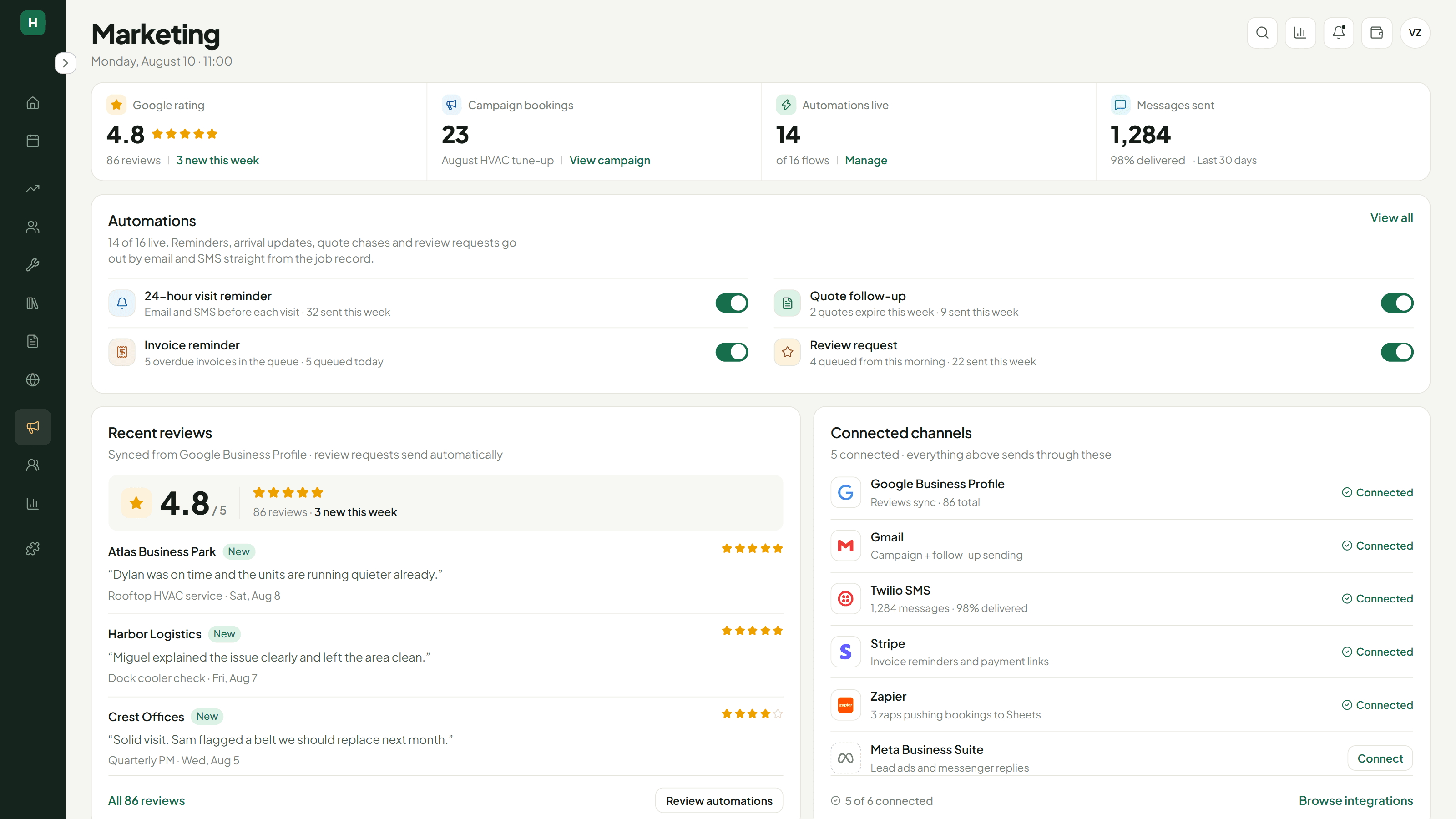
Blast campaigns, automated reminders, and follow-ups that chase unpaid invoices and unanswered quotes without anyone remembering to send them. Google reviews come back into the platform. Twilio handles the messaging and Stripe the payments, both wired in properly rather than linked out to.
Reports that point at something
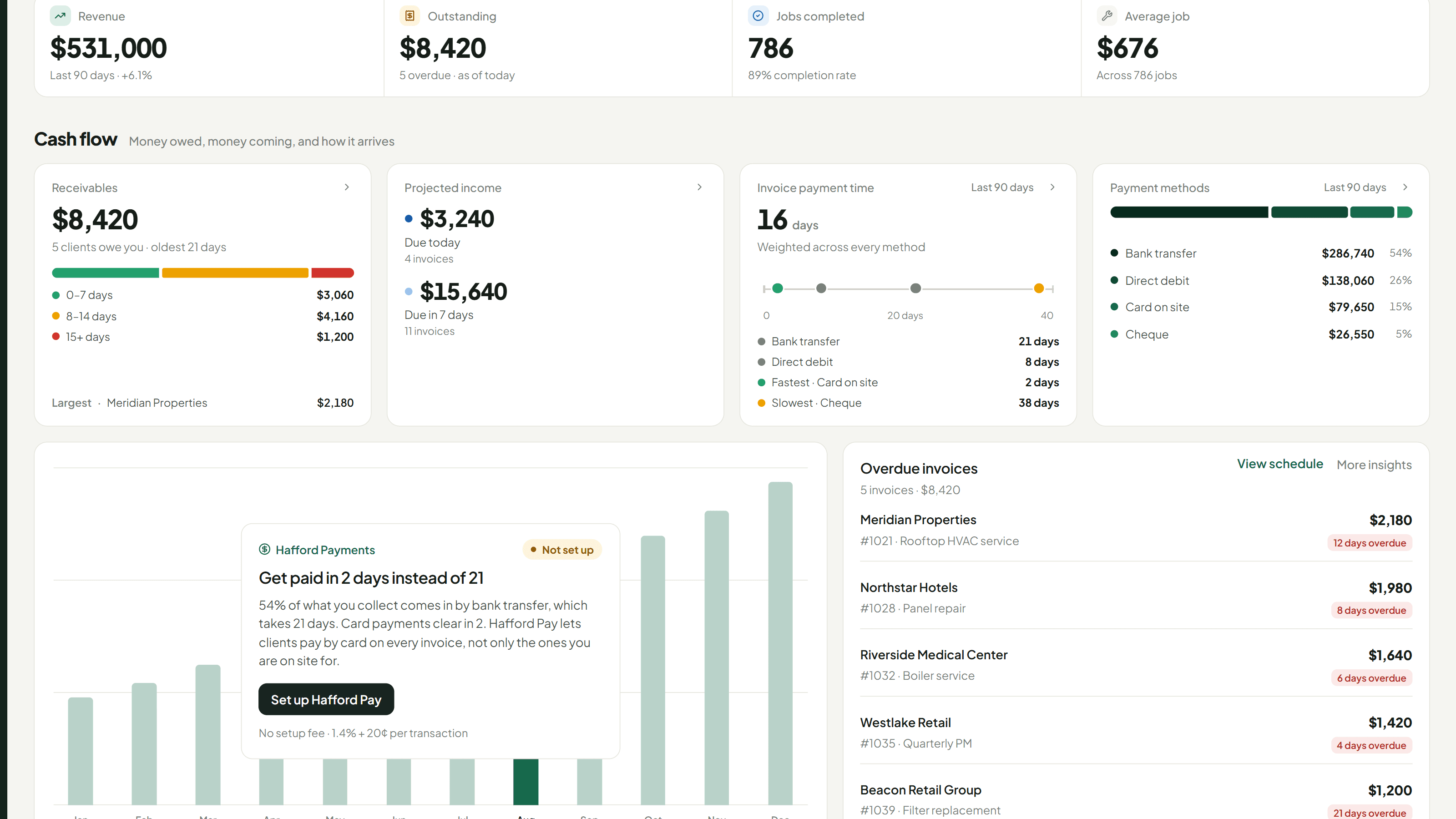
Revenue, jobs, technicians and payment mix, reported off the same data the rest of the platform runs on. The panel here reads the actual payment split and works out what it costs: over half of collections arrive by bank transfer and take 21 days, against 2 days on card.
Everything on this page is one system, built by the same team.
If there’s a piece of your product that needs building like this, tell us about it.